
Security & Policing 2026 – fielddrive Leads Webstore
Security & Policing, the official UK Government global security event, returns to the Farnborough International Exhibition and Conference Centre between 10-12 March 2026.
Regardless of your company size, Security & Policing offers a unique opportunity to showcase your products and capabilities to a highly targeted audience of senior decision makers and buyers, international delegations, police services and Government departments from the UK and overseas.
Maximise your time spent engaging with your end user by making the most of the technology available. This year, approved exhibitors will be able to order lead retrieval services for the duration of the event. All visitor and delegate badges will feature a QRcode that can be scanned with a lead retrieval app.
IMPORTANT INFORMATION, PLEASE READ BEFORE PLACING AN ORDER:
- Any individual with the badge type ‘International Delegate’ has not provided ADS with an email address for security purposes. Please ensure you do not scan this badge type as no data is available and instead ask for a business card or Desk Officer email address. ADS will not be able to source any email addresses for International Delegates post-event. All other badge types will be scannable.
- Lead retrieval devices will continue to collect delegate information even if the Wi-Fi connection at the venue is weak or unavailable. If this happens, please do not sign out of the app, as this may cause issues. Instead, simply minimise the app and allow it to run in the background. Once your device reconnects to Wi-Fi or a hotspot, all collected leads will automatically sync. ADS does not collect telephone numbers from delegates; therefore, this information will not be available to capture.
- Minimum systems for usage of exhibitors’ mobiles: Android 8 and above, iOS 12.4 and above.
Choose Your License

Early Bird: 10/02/2026
Key Information
In order to take advantage of the extra licenses, you must first purchase one standard license and then add as many extra licenses as you require to your cart.
Get Extra LicensesQuick Set Up
 1
1
Purchase the license that best suits your needs.
 2
2
Download the fielddrive Leads app on the device of your choice
 3
3
Use the credentials that you received in the email to log into the app
 4
4
And voilà… you're done!
Get it on


Get it on
Best Practice Guidelines
Please ensure when scanning badges with the app that:
- You clearly ask for each delegate's permission to get in touch after the event – this is a GDPR requirement.
- You are on your exhibitor stand. No scanning is permitted in common areas of the venue.
Using fielddrive Leads for the first time?
Check out our walkthrough video and learn how to make the most out of fielddrive Leads.
User Feedback
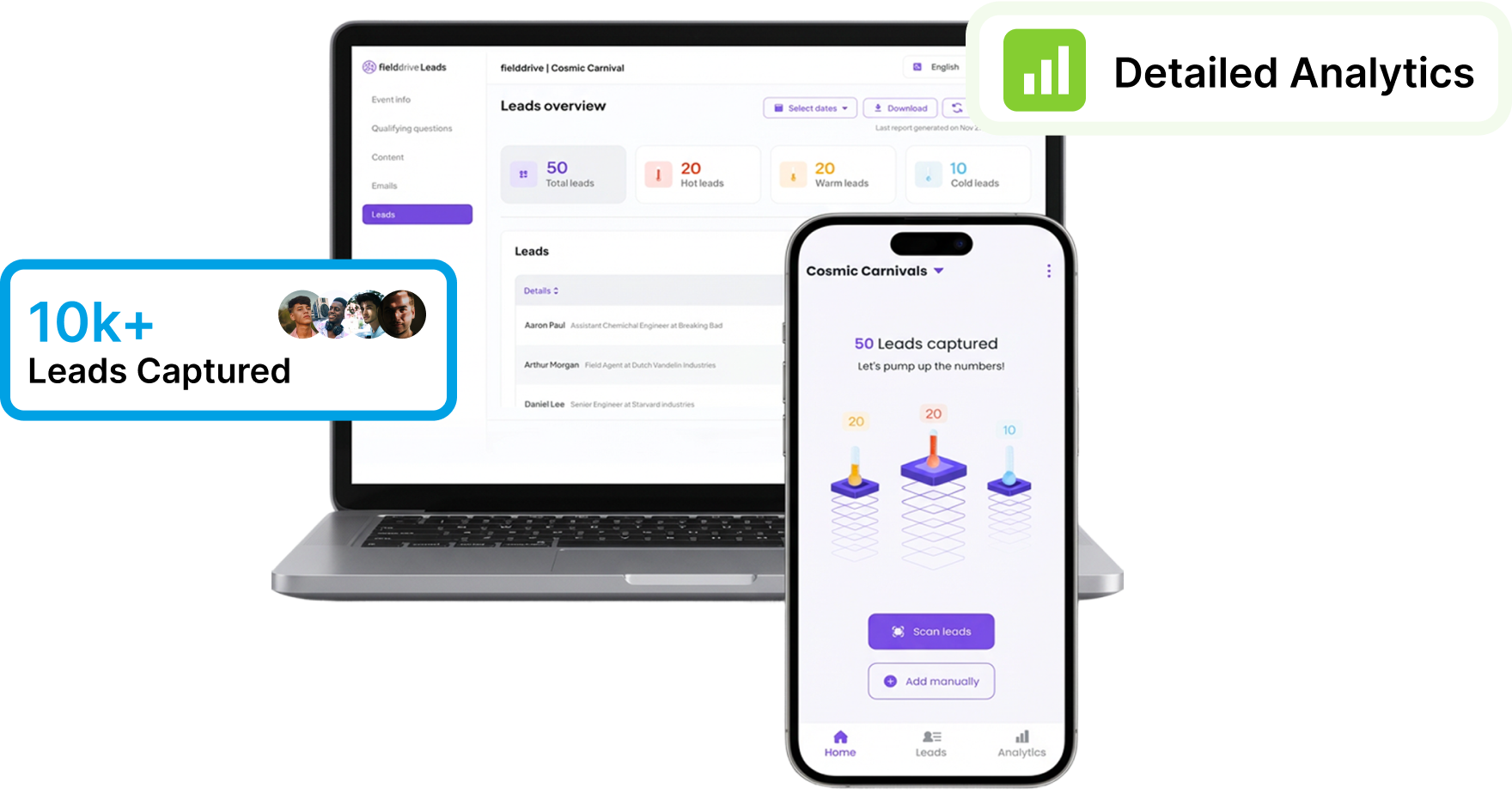
With fielddrive Leads you get
-
 Effortless Lead Capture
-
Live Leads Data
-
Comprehensive Lead Qualification
-
Customizable Lead Qualification Forms
-
On-the-fly Asset Sharing
-
Seamless User Experience
Frequently Asked Questions
How does onsite lead retrieval work?
Note: To learn more about the dashboard, please refer to the above video or the user guide.