
Swaroop Car event 2025
Choose Your License
fielddrive Leads – Standard License

Key Information
No product is linked to this event.
Quick Set Up
In order to get fielddrive Leads up and running, follow these simple steps:
 1
1
Purchase the license that best suits your needs.
 2
2
Download the fielddrive Leads app on the device of your choice
 3
3
Use the credentials that you received in the email to log into the app
 4
4
And voilà… you're done!
Get it on


Get it on
Best Practice Guidelines
Please ensure when scanning badges with the app that:
- You clearly ask for each delegate's permission to get in touch after the event – this is a GDPR requirement.
- You are on your exhibitor stand. No scanning is permitted in common areas of the venue.
Using fielddrive Leads for the first time?
Check out our walkthrough video and learn how to make the most out of fielddrive Leads.
User Feedback
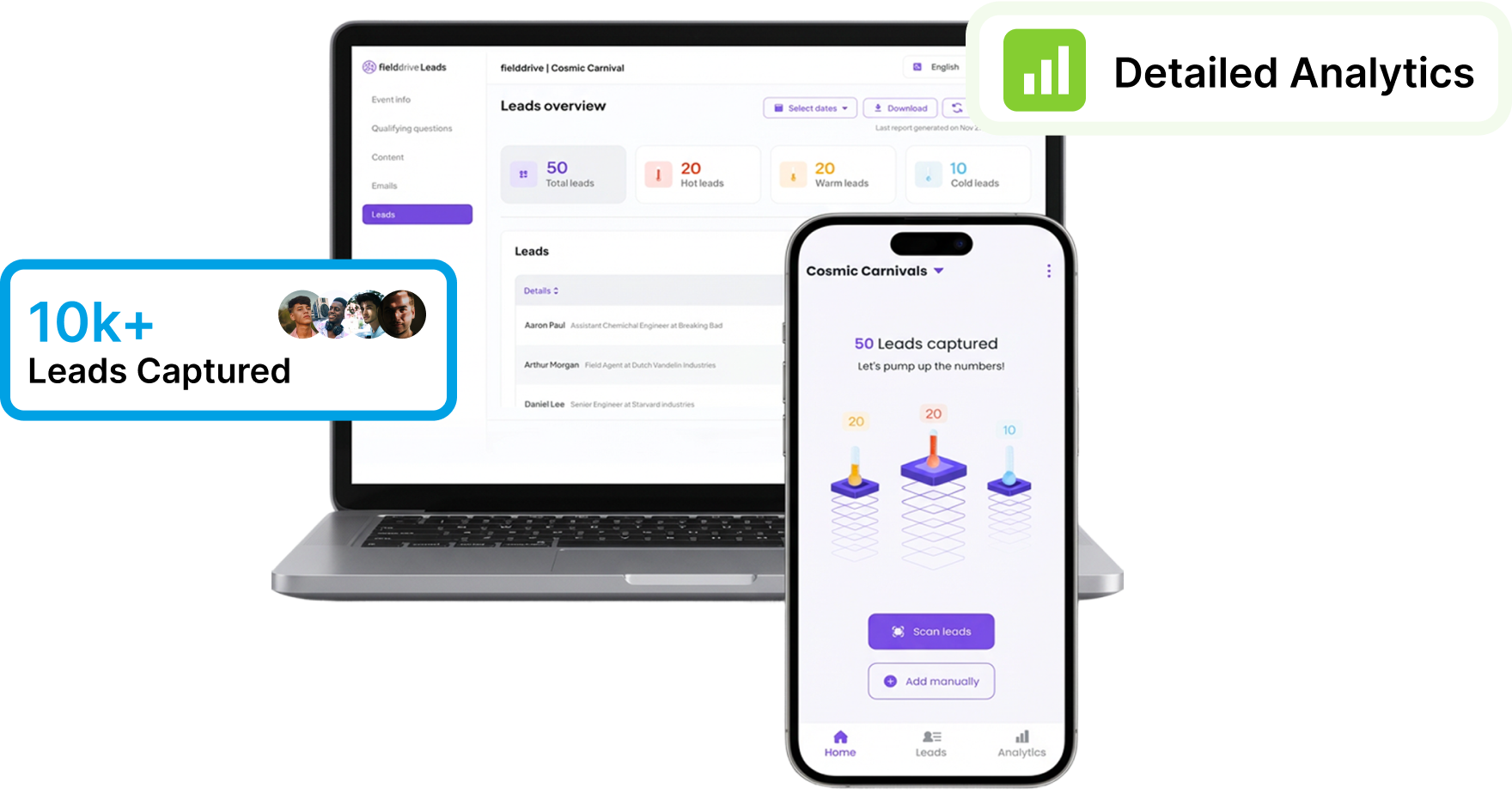
With fielddrive Leads you get
-
 Effortless Lead Capture
-
Live Leads Data
-
Comprehensive Lead Qualification
-
Customizable Lead Qualification Forms
-
On-the-fly Asset Sharing
-
Seamless User Experience
Frequently Asked Questions
How does onsite lead retrieval work?
Exhibitors scan attendee badges using the fielddrive lead retrieval app. Each lead is instantly captured, qualified, and synced to your dashboard.
Note: To learn more about the dashboard, please refer to the above video or the user guide.
Can I use my own phone or tablet?
Yes! Our lead retrieval software works on iOS and Android. Some clients also offer exhibitors the opportunity to rent scanners.
Does the app work offline?
Absolutely. Our system supports offline badge scanning and will sync your data once you’re back online.
Can I customize lead questions?
Yes, you can add qualifiers like product interest, meeting intent, or rating, and tag leads based on your own criteria straight from the dashboard.
Is it secure and GDPR-compliant?
100%. All data is securely handled, encrypted, and stored in compliance with GDPR regulations.